Trim
Drag the start and end.
Online clip editor
Click a word to jump there. Cut, mute and fix captions.
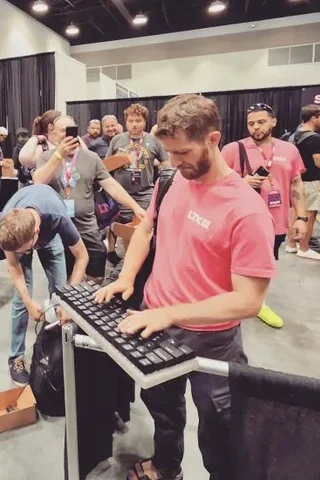 Start with one key, then build.
So the first fix is the keyboard. Um, wait, let me, uh, place it here, then check the layout.
WHAT YOU CAN SET
The preview matches the export.
Drag the start and end.
Remove a part from the middle.
Silence a range.
Double-click a word to fix it.
STEP BY STEP
New versions use no extra credits.
Press Edit clip.
Click the transcript, then trim or mute.
Double-click and type.
Ctrl+S, then render.
WHO IT IS FOR
 Where was I?
Cut the cough or the tangent.
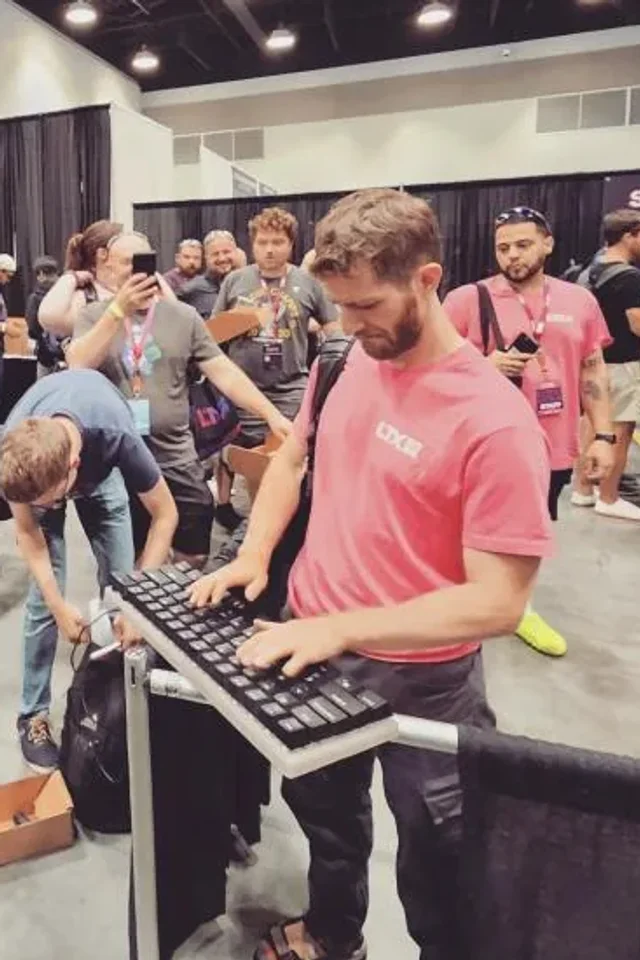 Test one key at a time.
Fix a misheard term.
 Okay, heat goes up.
Tighten the first seconds.
GOOD TO KNOW
Plus: $15 a month, 600 credits.
QUESTIONS
No. Your source file stays as it was.
It was rendered before your last change.
No, it’s on Plus. On Free you can still trim and rename clips.
RELATED TOOLS
 PLUS
Cut silence above your threshold and restore any pause you miss.
Open Remove Pauses PLUS
Translate clip captions into 15 languages and export MP4, SRT or VTT.
Open Translate Captions PLUS
Join clips from one project into a single MP4 in your order.
Open Highlight ReelPhoto-based previews with sample captions, not quotations or real clip outputs. People pictured are not presented as customers or endorsers. Photographs are cropped and resized; each image retains its source license.
ONE MORE PASS

