Caption style
Karaoke, Pop, Bold, Boxed, Minimal and 9 more.
Automatic captions for finished videos
Word-timed captions for videos up to 30 minutes, in your style and colors.
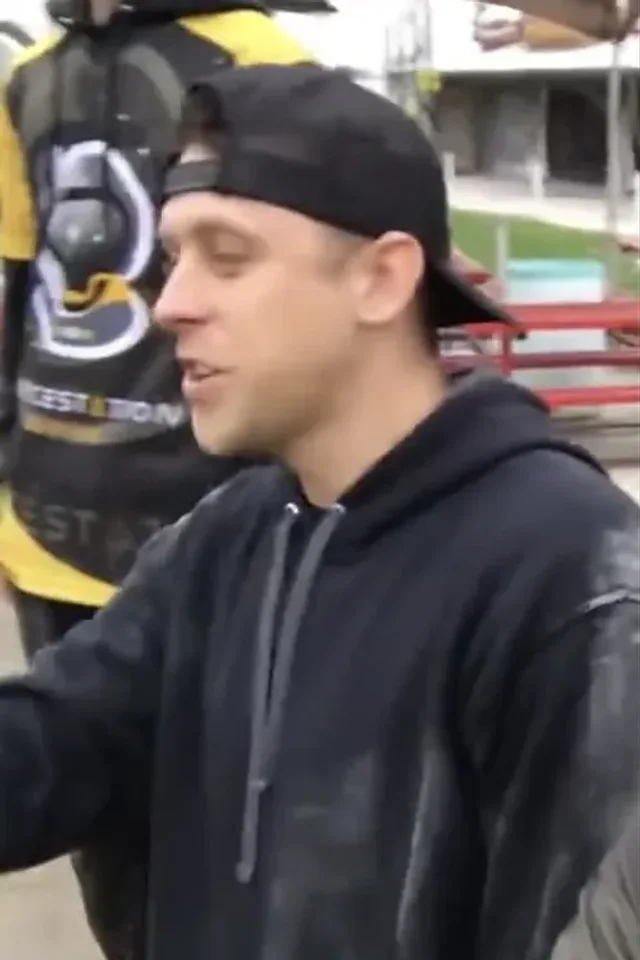 9:16Auto detect
Okay, this street is the one.
THIS STREET IS THE ONE
Okay, this street is the one.
Caption style 14
Highlight color
Spoken language
Format
WHAT YOU CAN SET
14 styles. Set colors, position and format.
Karaoke, Pop, Bold, Boxed, Minimal and 9 more.
Six presets or any color.
Keep captions clear of app buttons.
Original, 9:16, 4:5, 1:1 or 16:9.
STEP BY STEP
A 12-minute video uses 4 credits.
File or link, up to 30 minutes.
Or keep Auto detect.
Style, color and format.
Your original stays unchanged.
WHO IT IS FOR
Okay, this street is the one.Followable with the sound off.
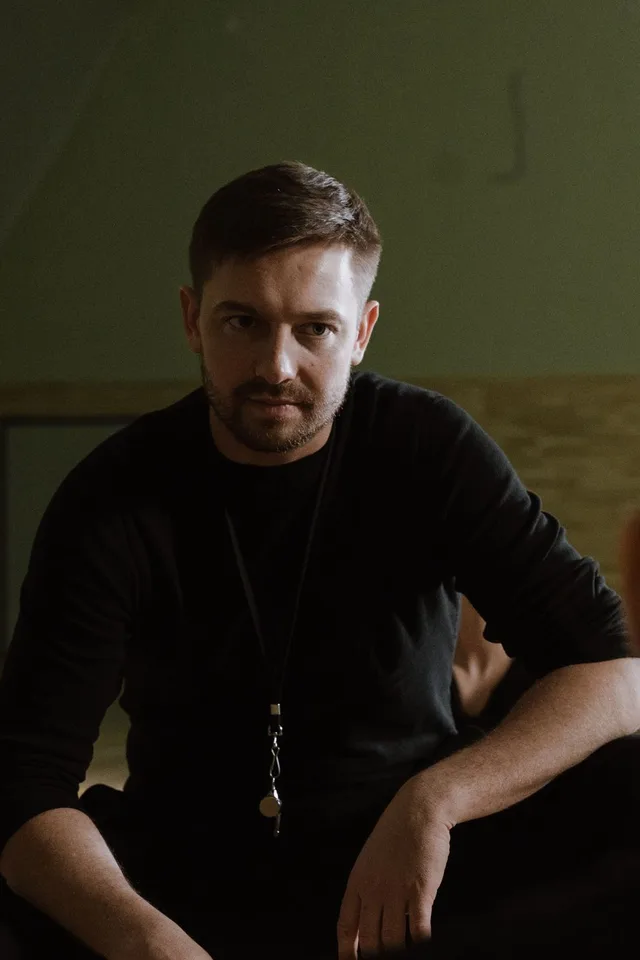 Eyes on the ball.
Large type, easy to read.
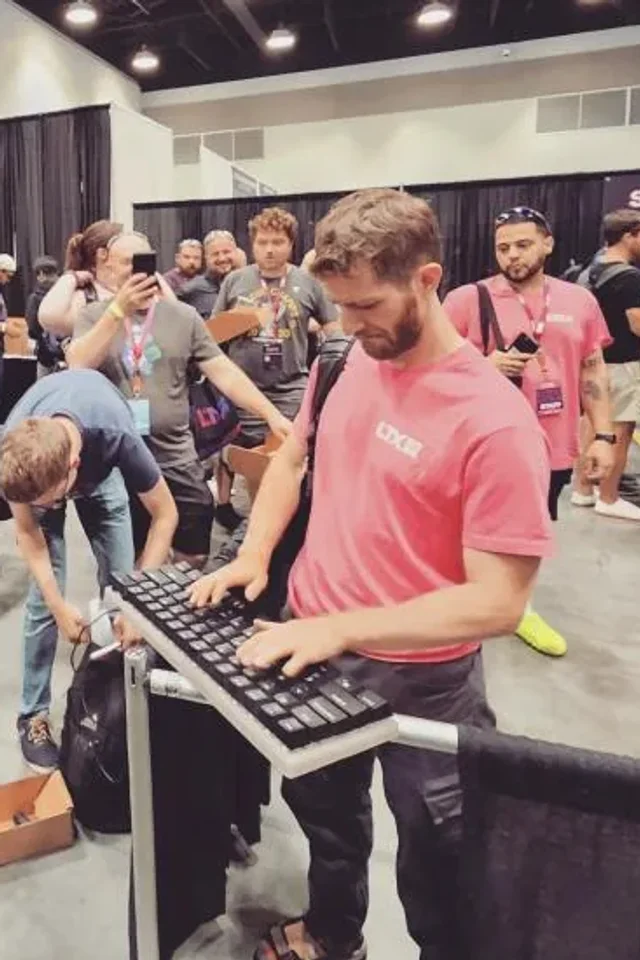 Click the second tab.
Readable over screen recordings.
GOOD TO KNOW
Included in Free.
QUESTIONS
No. It captions the whole video.
One per started 3 minutes. 30 minutes uses 10.
Yes, on project clips, into 15 languages.
RELATED TOOLS
 PLUS
Translate clip captions into 15 languages and export MP4, SRT or VTT.
Open Translate Captions FREE
Find complete moments in a long recording and export them as vertical clips.
Open Long Video to Shorts PLUS
Trim, cut, mute and fix caption words from a synced transcript.
Open Video EditorPhoto-based previews with sample captions, not quotations or real clip outputs. People pictured are not presented as customers or endorsers. Photographs are cropped and resized; each image retains its source license.
CAPTION YOUR NEXT VIDEO

