Layouts
Split, Small webcam or Blurred.
Gaming clip maker · Webcam Clips mode
Mark game and webcam once. Every clip uses your layout.
 Main content
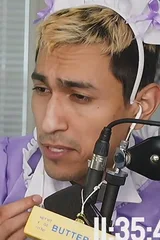 Webcam

 SplitSmall webcamBlurredWait, wait, wait. No way.
WHAT YOU CAN SET
Guides show where your HUD and chat will land.
Split, Small webcam or Blurred.
Drag it on the preview.
Reactions, Fails, Tips, Stories, Wins.
Under 30 s up to 3 min.
STEP BY STEP
A 3-hour VOD uses 180 credits.
Link or file.
Reactions, Tips and more.
Game, webcam, layout.
Trim and render 9:16.
WHO IT IS FOR
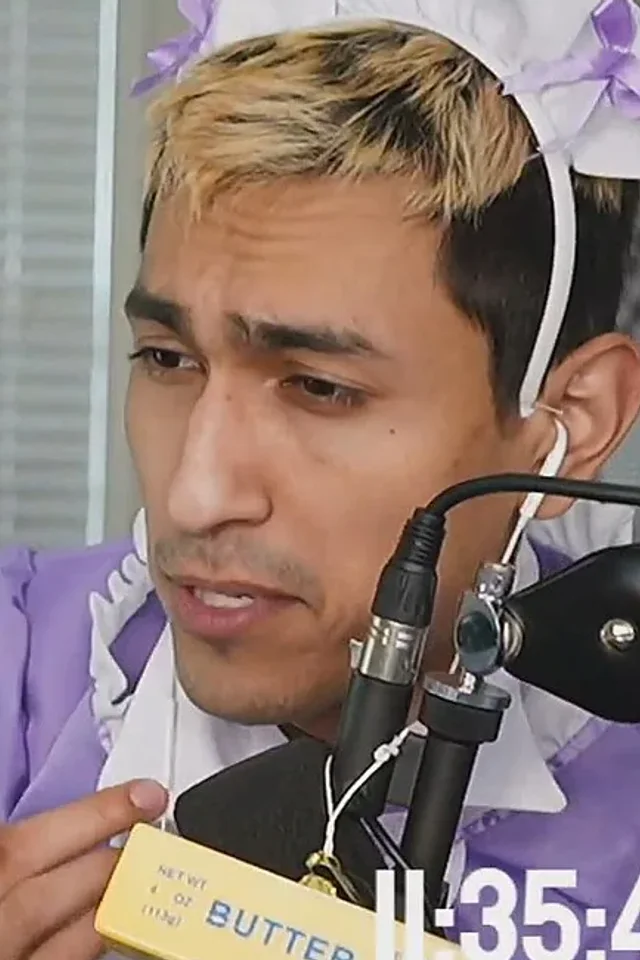 Wait, wait, wait.
Your face stays next to the play.
Watch the left lane.Finds moments you explain a play.
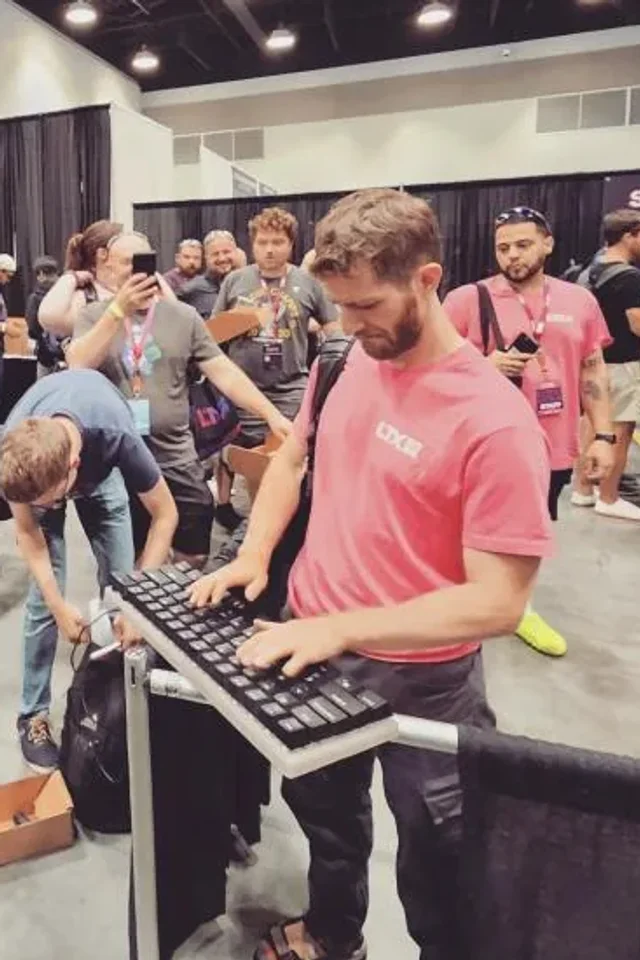 Now open settings.
Works with a facecam too.
GOOD TO KNOW
Plus: $15 a month, 600 credits.
QUESTIONS
No. Talk through the moments you want.
Yes. That’s the name in the studio.
Yes, with Highlight Reel.
RELATED TOOLS
 PLUS
Join clips from one project into a single MP4 in your order.
Open Highlight Reel FREE
Find complete moments in a long recording and export them as vertical clips.
Open Long Video to Shorts FREE
Burn word-timed captions into a whole video in one of 14 styles.
Open AI CaptionsPhoto-based previews with sample captions, not quotations or real clip outputs. People pictured are not presented as customers or endorsers. Photographs are cropped and resized; each image retains its source license.
YOUR LAST STREAM


