Light
Cuts silences over 1.0 s.
Silence remover for talking clips
Pick a pace, review the cuts, restore any pause.
 And then he said yes.
WHAT YOU CAN SET
Detection adapts to background noise.
Cuts silences over 1.0 s.
Cuts silences over 0.6 s.
Cuts gaps over 0.35 s.
Cut “um” and “uh”. Off by default.
STEP BY STEP
Try any preset at no extra cost.
Turn on Remove Pauses.
Light, Natural, Fast or Custom.
Keep or drop each cut.
Apply and render.
WHO IT IS FOR
 And then he said yes.
Keep the pause before a punchline.
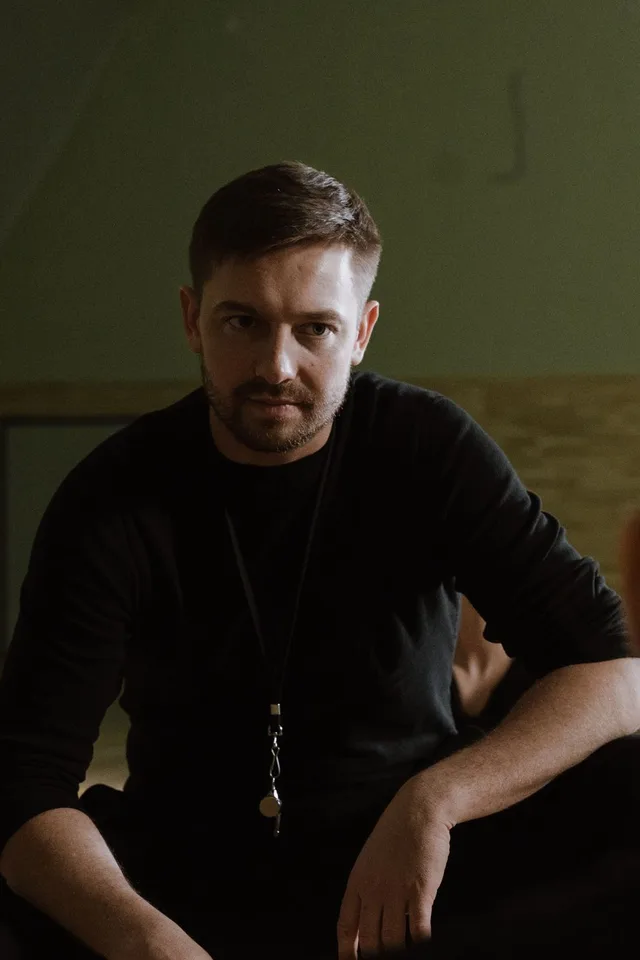 Now watch the feet.
Natural for lessons, Fast for tips.
 Okay, here is the plan.
Tighten one long take.
GOOD TO KNOW
Plus: $15 a month, 600 credits.
QUESTIONS
Yes. Restore one cut or all of them.
Natural suits most videos. Preview Fast before using it.
RELATED TOOLS
 PLUS
Trim, cut, mute and fix caption words from a synced transcript.
Open Video Editor PLUS
Crop each camera shot to the person talking, with a wide frame when unsure.
Open Podcast Clips FREE
Burn word-timed captions into a whole video in one of 14 styles.
Open AI CaptionsPhoto-based previews with sample captions, not quotations or real clip outputs. People pictured are not presented as customers or endorsers. Photographs are cropped and resized; each image retains its source license.
TIGHTEN A CLIP


