Clips for podcasts, lessons, webinars, streams and vlogs
Short clips from the videos you already record.
Find a clip mode and plan for your videos.
Photo-based examples · sample captions, not quotations. Photo credits
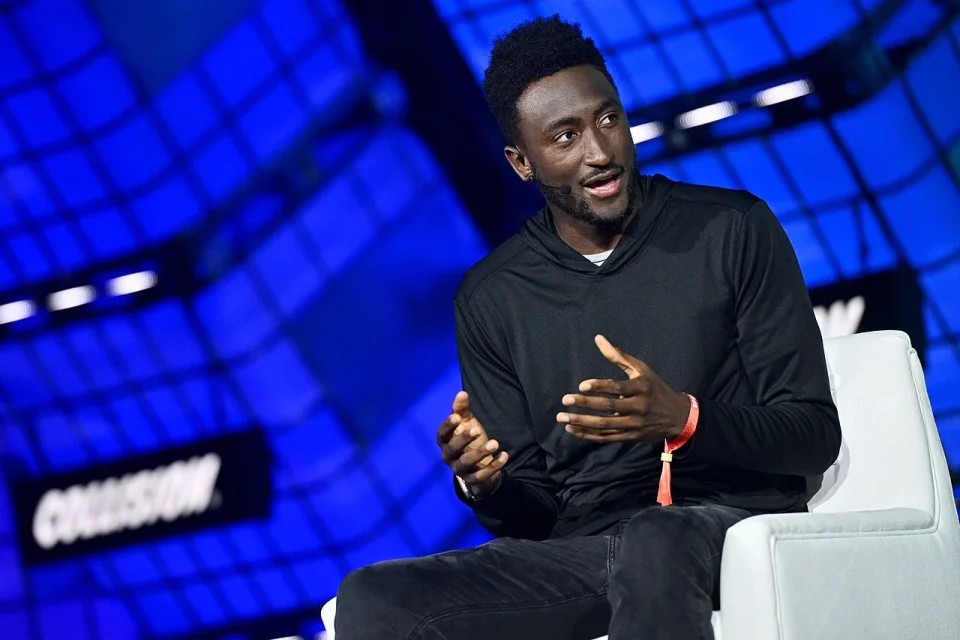
01 / VIDEO PODCASTS & INTERVIEWS
Post the best answer from this week’s hour-long episode.
The jobPost the best answer while the episode is new.
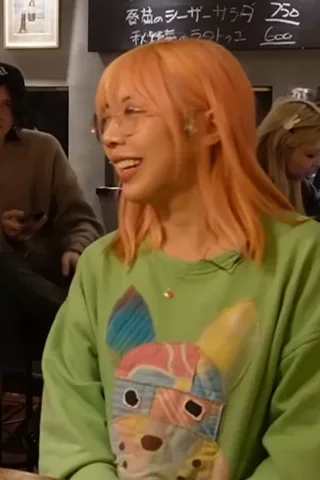
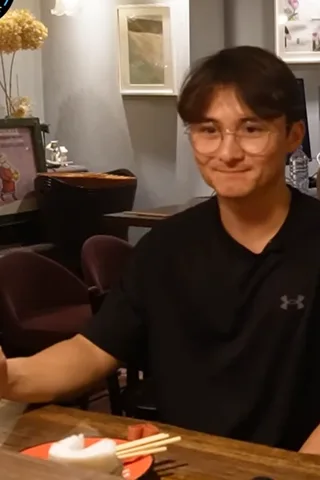 Speaker framingQ&A0:52The honest answer took ten years.from 34:10Story1:04Then the sponsor pulled out.from 12:45Quotes0:21Ask the question twice.from 51:02
Photo-based preview with sample captions, not a real output. You choose the clips.
Full questions and answers.
Also tryStoryQuotes
- FREELong to ShortsQ&A, Story and Quotes.
- PLUSPodcast ClipsThe crop follows the speaker.
- PLUSRemove PausesCut the dead air.
- PLUSEdit clipsFix a name, mute a range.
60-minute episode = 60 credits. One a month on Free, ten on Plus.
02 / EDUCATORS & COACHES
Turn one lesson into a clip for every tip.
The jobOne short per explanation, linking back to the lesson.
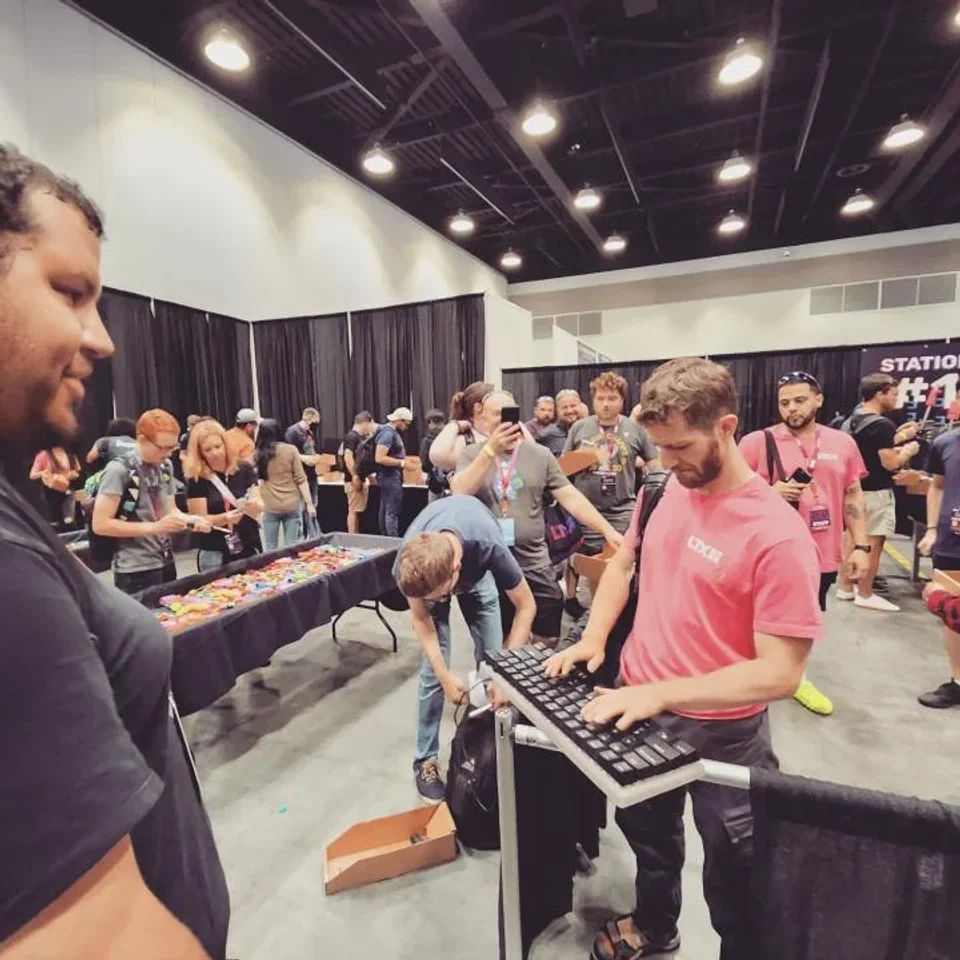
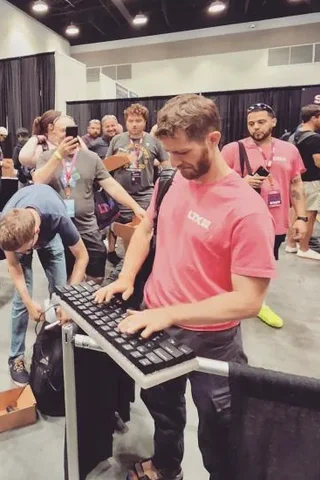 Expert tip0:38Here is why it works.from 06:20Topic1:12Start with the simplest setup.from 15:48Expert tip0:44Test each step as you build.from 30:05
Photo-based preview with sample captions, not a real output. You choose the clips.
Finds practical advice.
Also tryTopic Clips
- FREELong to ShortsExpert Tips and Topic Clips.
- FREEAI CaptionsCaption the full lesson.
- PLUSEdit clipsCut tangents, fix terms.
- PLUSSummarizerA five-minute recap of the lesson.
30-minute lesson = 30 credits. Two a month on Free, twenty on Plus.
03 / BRANDS & MARKETERS
Give the webinar a second audience with clips in your brand.
The jobBranded clips in every format your channels use.
 Your logo
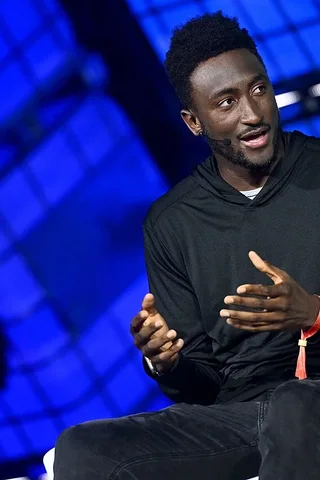 Topic1:20Show the product in two minutes.from 08:15Q&A0:47Start with the product story.from 22:40Expert tip0:35Start with the problem you solve.from 36:12
Photo-based preview with sample captions, not a real output. You choose the clips.
One clip per subject.
Also tryQ&AExpert Tips
- FREEBrand templatesLogo, font and colors.
- FREEFour formats9:16, 1:1, 4:5, 16:9.
- FREESchedulingPlan posts ahead.
- PLUSTranslate Clips15 languages.
45-minute webinar = 45 credits. One a month on Free, thirteen on Plus.
04 / STREAMERS & GAMERS
Clip the stream with your webcam still in it.
The jobGameplay and your face in one vertical frame.
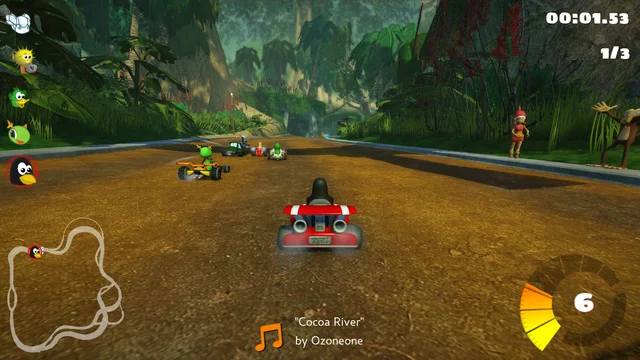
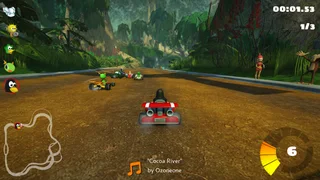 Reaction0:24I did not see that coming.from 41:18Funny & Fails0:31Okay, that one was my fault.from 1:32:07Tips0:46Save the boost for the straight.from 2:21:50
Photo-based preview with sample captions, not a real output. You choose the clips.
Clips come from your commentary.
Also tryFunny & FailsTips & StrategyStories & RantsHype / Wins
- PLUSWebcam ClipsSplit, Small webcam or Blurred.
- PLUSHighlight ReelsThe night’s best in one video.
- FREEVOD linksTwitch, Kick or YouTube.
2-hour VOD = 120 credits. Plus covers five a month.
05 / VLOGGERS & TUTORIAL MAKERS
Caption the full video, then cut the shorts.
The jobCaption the video, then cut the best part.
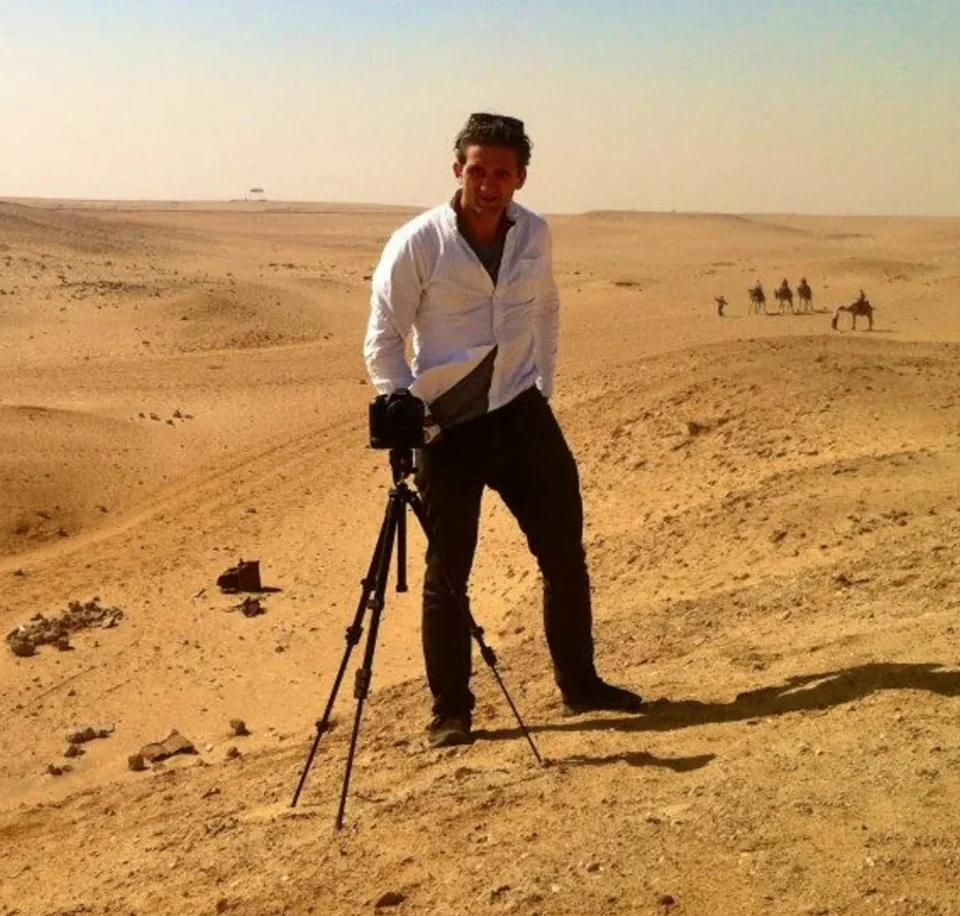
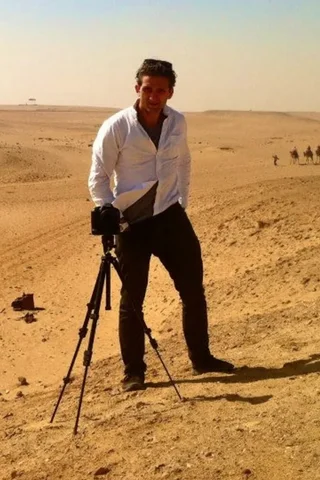 Story0:58Bring your camera. Find a story.from 02:14Expert tip0:33Set the camera. Tell the story.from 07:40Topic0:41The best shot was the detour.from 11:05
Photo-based preview with sample captions, not a real output. You choose the clips.
Karaoke, Bold or Minimal.
Also tryStoryExpert Tips
- FREEAI CaptionsThe whole video.
- FREELong to ShortsFind the best story.
- PLUSRemove PausesReview every cut.
- PLUSWebcam ClipsScreen and face together.
12-minute vlog = 4 credits with AI Captions.
FREE OR PLUS
What Free covers for what you make.
Free: 60 credits a month. Plus: $15 for 600 and every tool.
| You make | FREE Works on Free | PLUS Plus adds |
|---|---|---|
| Video podcasts and interviews | Q&A, Story and Quotes clips | Speaker framing, pause removal, Summarizer, Edit clips |
| Lessons and coaching sessions | Expert Tips, full-lesson captions | Summarizer, Edit clips, Highlight Reels |
| Webinars and product demos | Topic clips, brand templates | Translate Clips, Summarizer, Edit clips |
| Streams and gameplay | Long to Shorts on a pasted VOD link | Webcam Clips, Highlight Reels |
| Vlogs and tutorials | Captions, Story clips | Remove Pauses, Translate Clips, Webcam Clips |
QUESTIONS BY USE CASE
Common questions
Do I need Plus to clip a podcast?
No. Plus adds speaker framing, pause removal and the editor.
Can I turn a full lesson or webinar into one recap?
Yes. Summarizer on Plus joins the key sentences into one video of 45 s to 10 min.
Does Gaming mode work without a webcam?
Yes. It finds moments from what you say.
Can I clip a Twitch or Kick VOD without downloading it?
Yes. Paste the link.
Which clip mode should I pick?
Q&A for answers, Expert Tips for advice, Story for anecdotes, Quotes for lines, Topic Clips per subject.
Will a suggested clip get views?
Nobody can promise that. Scores only help you compare.
Gameplay: SuperTuxKart · QwertyChouskie · CC BY-SA 4.0 · cropped and resized.

Photo credits & sources
Photo-based previews with sample captions, not quotations or real clip outputs. People pictured are not presented as customers or endorsers. Photographs are cropped and resized; each image retains its source license.
- lilypichu michael reeves bar · Harada's Bar · CC BY 3.0
- mkbhd collision stage · Ramsey Cardy/Collision via Sportsfile - Collision Conf · CC BY 2.0
- linus giant keyboard · Bobby Mitchell · CC BY-SA 4.0
- casey neistat desert filming · Casey Neistat · CC BY-SA 3.0
- avghans subathon live · Avghans · CC BY-SA 4.0


START WITH YOUR LATEST RECORDING