Connections
Link and reconnect accounts.
Social video scheduler
Connect your accounts, pick a clip, set a time. Snipio posts it.
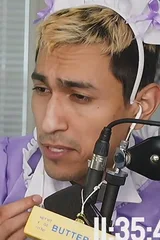 See you Friday.TikTok · FRI 18:00
WHAT YOU CAN SET
You only see the options for the account you picked.
Link and reconnect accounts.
Visibility, comments, duet, stitch.
Title, visibility, made for kids.
Scheduled, posted or failed.
STEP BY STEP
Scheduling uses no credits.
TikTok, Instagram or YouTube.
Write the post text.
Visibility and more.
Track the status.
WHO IT IS FOR
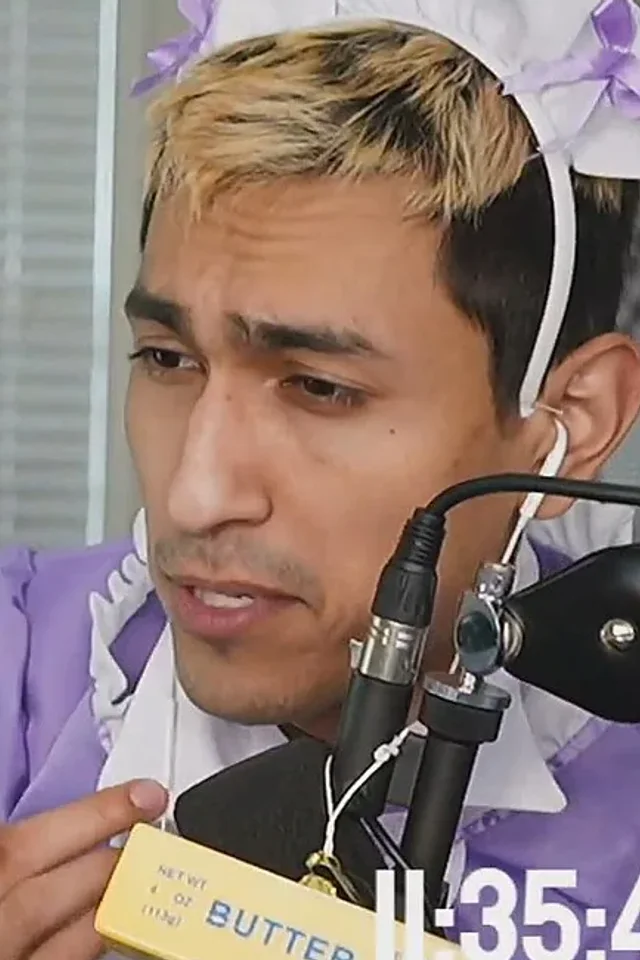 See you Friday.
Posts go out on your days off.
 Fresh batch at nine.
Plan a week in one sitting.
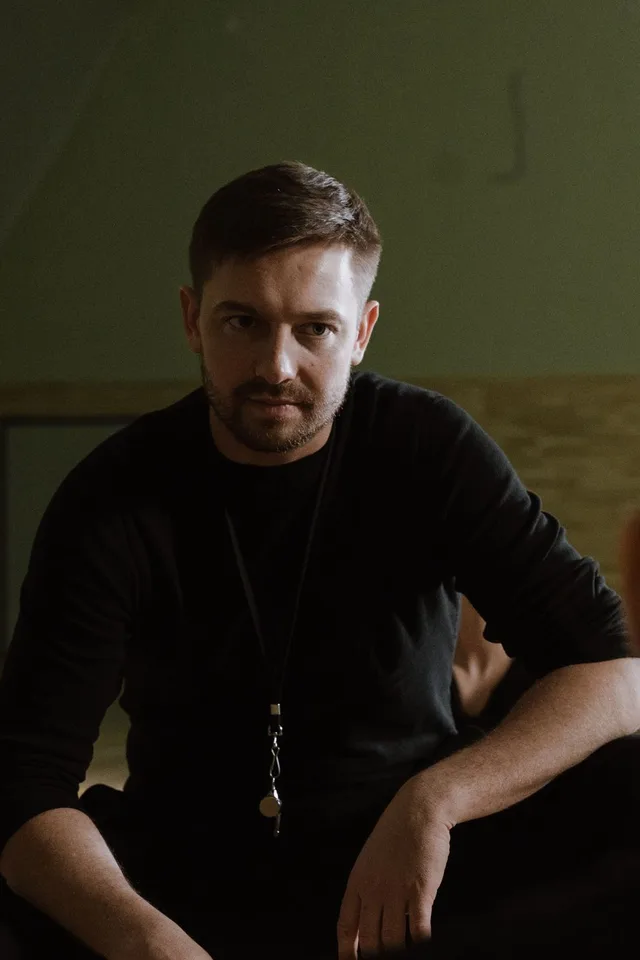 Drill two, go.
A tip every few days.
GOOD TO KNOW
Included in Free.
QUESTIONS
It depends on the platform. The studio shows what your account allows.
Reconnect it in Connections.
RELATED TOOLS
 FREE
Find complete moments in a long recording and export them as vertical clips.
Open Long Video to Shorts FREE
Burn word-timed captions into a whole video in one of 14 styles.
Open AI Captions PLUS
Translate clip captions into 15 languages and export MP4, SRT or VTT.
Open Translate CaptionsPhoto-based previews with sample captions, not quotations or real clip outputs. People pictured are not presented as customers or endorsers. Photographs are cropped and resized; each image retains its source license.
PLAN THE WEEK

