Presets
Q&A, Expert Tips, Story, Quotes or Topic Clips.
AI clip maker for long recordings
Upload a podcast, lesson or stream. Get captioned vertical clips to review and download.
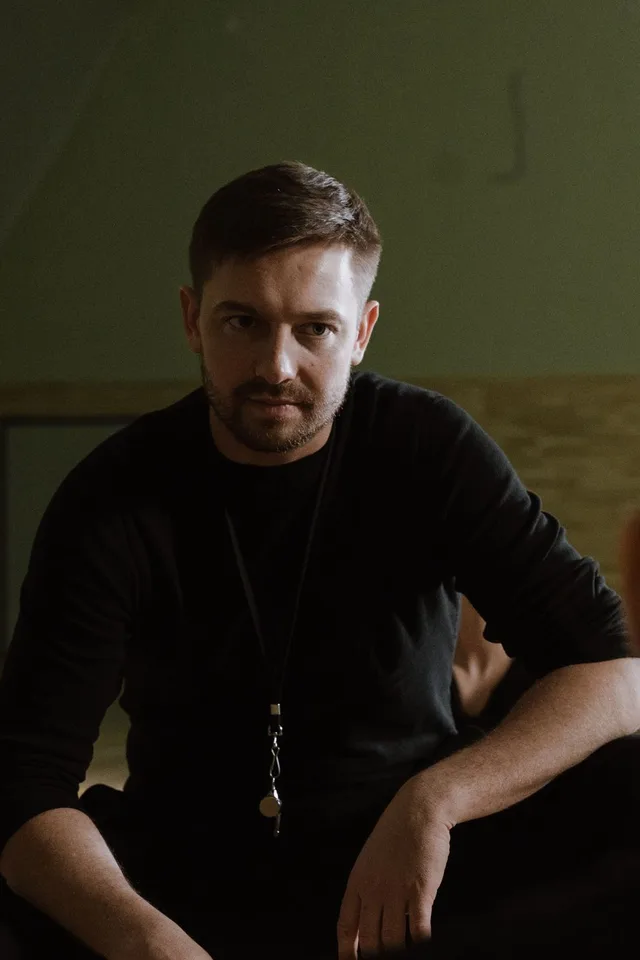 Finding moments
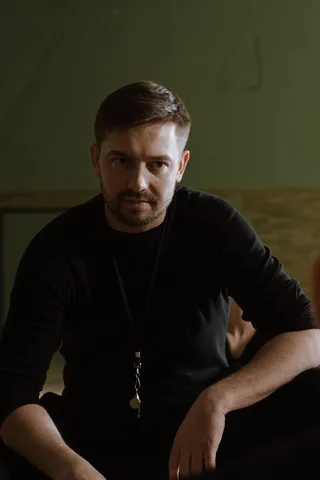 Expert tip0:47Keep your elbow in as you shoot.
WHAT YOU CAN SET
Set the focus and length. Compare titles, hooks and scores before rendering.
Q&A, Expert Tips, Story, Quotes or Topic Clips.
Auto, or from under 30 s up to 3 min.
Hot takes, funny moments, key insights, or your own note.
Move the start and end. Rewrite the title and hook.
STEP BY STEP
A 40-minute webinar uses 40 credits. Edits and exports are included.
Upload a file or paste a YouTube, Twitch or Drive link.
Choose a preset, length and number of clips.
Adjust the edges and drop weak clips.
One MP4 per format.
WHO IT IS FOR
Keep your elbow in.One tip per clip from a long session.
 So what changed?
Q&A clips keep the whole answer.
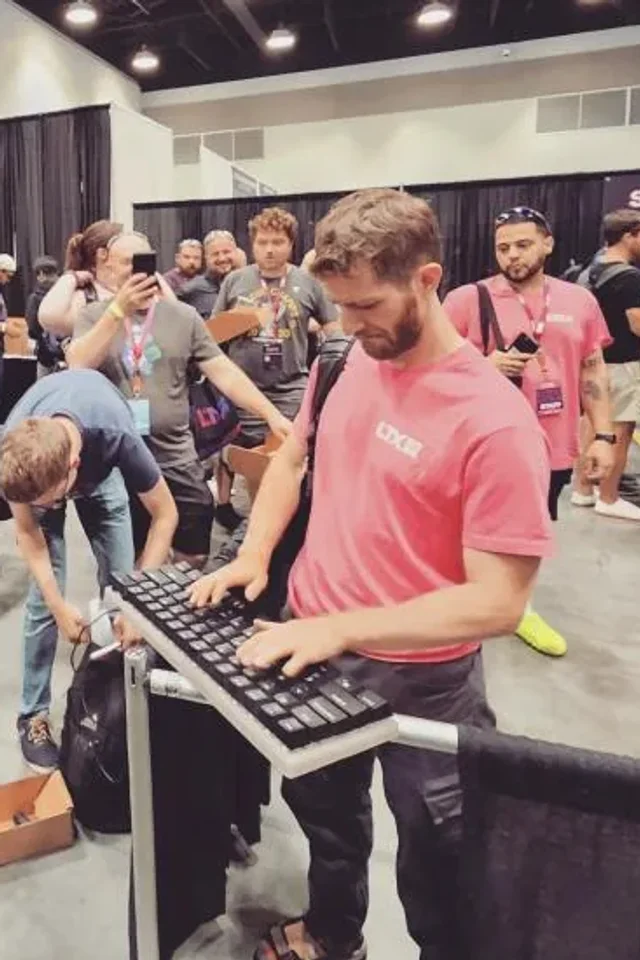 Here is the setting.
Topic Clips collects every part about one feature.
GOOD TO KNOW
Included in Free.
QUESTIONS
Yes. Nothing renders until you approve it.
One credit per started minute. A 45-minute recording uses 45 credits. Free gives you 60 a month.
Podcast Clips is on Plus and crops each shot to the person talking.
Yes. Summarizer on Plus joins the key sentences into one video.
RELATED TOOLS
 PLUS
Join the key sentences of a whole recording into one video, in order.
Open Summarizer PLUS
Crop each camera shot to the person talking, with a wide frame when unsure.
Open Podcast Clips FREE
Burn word-timed captions into a whole video in one of 14 styles.
Open AI CaptionsPhoto-based previews with sample captions, not quotations or real clip outputs. People pictured are not presented as customers or endorsers. Photographs are cropped and resized; each image retains its source license.
START WITH ONE RECORDING


