Feature tour: 12 tools, one studio

See what each tool does before you upload.

What each tool does, what it costs and which plan has it.
  • Free: 60 credits a month
  • Plus: $15 a month, 600 credits
  • No card needed for Free

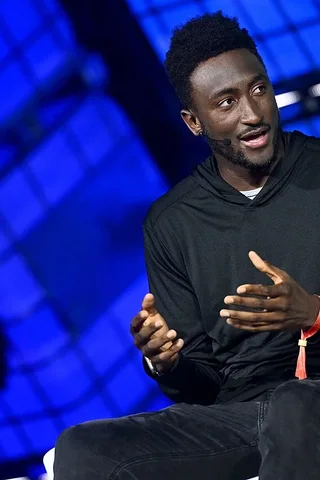
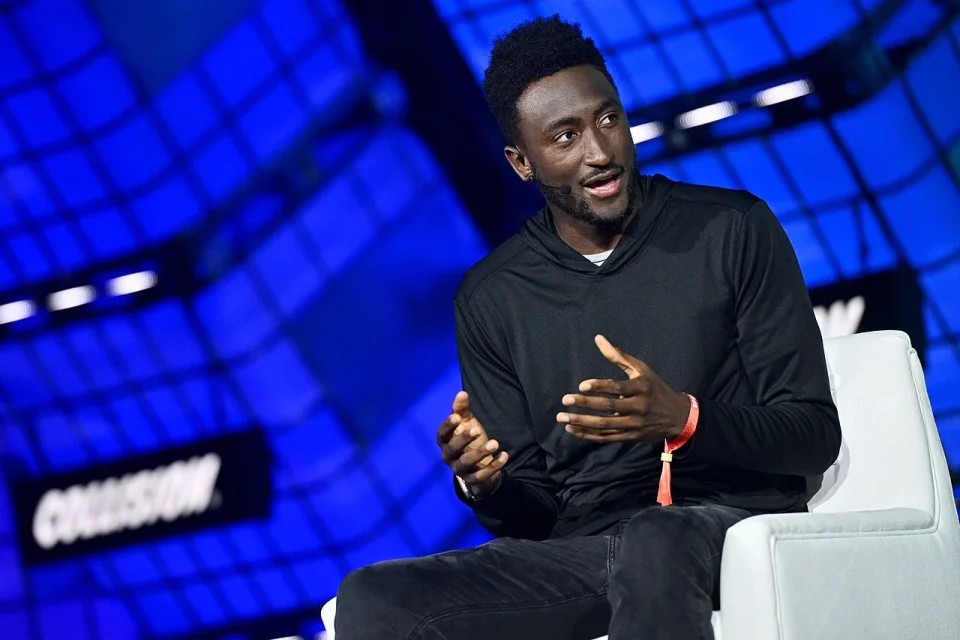
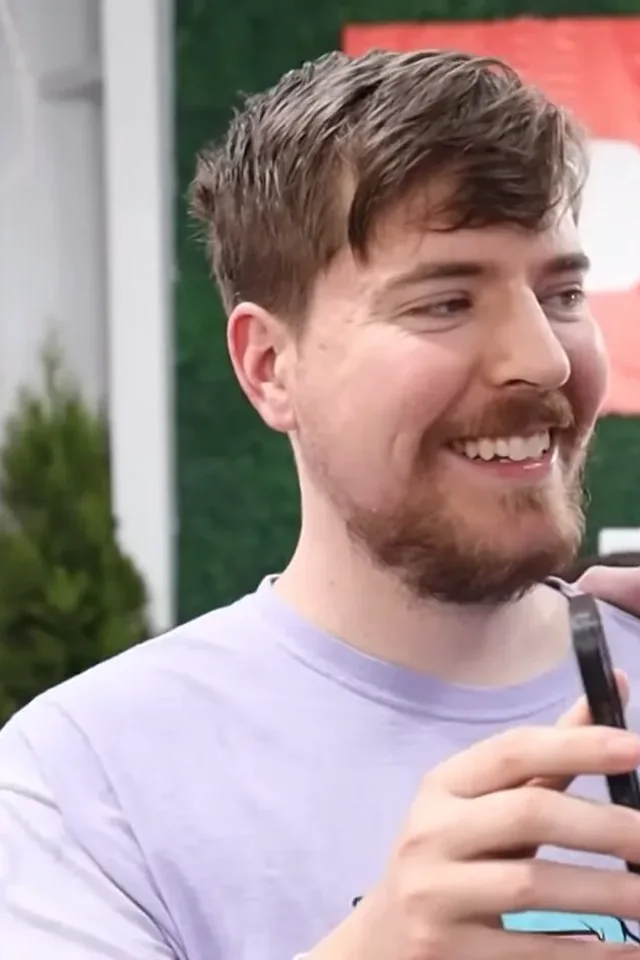
Photo: MrBeast · Fidias · CC BY 3.0 · cropped and resized. Sample captions, not a quotation or endorsement.

JUMP TO A TOOL

Free finds and finishes clips. Plus adds framing and editing.

01FREE1 credit per started minute of source

Point the search at the moments you want.

Pick what to look for. Review clips with titles, hooks and scores.

Presets
Q&A, Expert Tips, Story, Quotes, Topic Clips
Sources
MP4, MOV, WebM or a video link
Cost
45 minutes = 45 credits. Edits are free

Scores don’t predict views.

Long Video to Shorts in detail
02FREEAI Captions: 1 credit per started 3 minutes

Three caption styles, set in your colors.

Each word shows as it is spoken.

Karaoke
The spoken word lights up
Bold
Large centered lines
Minimal
Plain lines at the bottom
Your look
Your colors and font
Cost
A 30-minute video is 10 credits
AI Captions in detail
03FREEIncluded on every plan

Render each clip in up to four shapes.

Each format is its own MP4.

9:16 · 1080 × 1920
TikTok, YouTube Shorts, Instagram Reels
1:1 · 1080 × 1080
LinkedIn, Facebook, Instagram feed
16:9 · 1920 × 1080
YouTube, Vimeo, X
4:5 · 1080 × 1350
Instagram feed
Safe zones
Captions stay clear of app buttons
How exports fit the clip workflow
04FREESet up once, reuse on every project

Save your look once and start every project with it.

Save logo, font, colors and formats as defaults.
Logo
PNG, WebP or SVG up to 5 MB
Font
.ttf, .otf or .woff2 up to 10 MB
Colors
Accent, caption text and highlight
Templates
One per show or client
See how templates style captions
05PLUSFraming analysis uses no extra credits

One steady crop per shot, on the person talking.

The crop follows the speaker. Unclear shots get a wide frame.

Per shot
Auto, Wide or Custom
Review
Filter to unclear shots
Pauses
Keep, Natural or Tight

Unreviewed clips still get auto framing.

Podcast Clips in detail


06PLUSCharged like any project: 1 credit per started minute

Mark game and camera once, every clip uses it.

For streams, gameplay and tutorials.

Layouts
Split, Small webcam, Blurred
Presets
Reactions, Fails, Tips, Stories, Wins
Source
Your commentary, not kills or wins
Gaming and webcam clips in detail
07PLUSCharged like any project: 1 credit per started minute

The whole recording, summed up in one video.

The AI keeps the key sentences and joins them in the order they were said.

Length
Teaser 45 s, Short 2 min, Standard 5 min, Deep 10 min or Custom
Presets
Key Points, Story Recap, Best Quotes, Q&A
Tempo
Calm, Natural or Dynamic
Focus
Optional: one subject to keep

A summary runs at most half as long as the video.

Summarizer in detail
08PLUSEdits and new renders use no credits

Edit from the transcript and check it in the preview.

Click a word to jump there. The preview matches the render.

Timeline
Trim, cut, mute
Captions
Double-click a word to fix it
Shortcuts
Ctrl+Z undo, Ctrl+Shift+Z redo, Ctrl+S save
Source
Never changed
The clip editor in detail
09PLUSPause analysis uses no extra credits

Choose which silences go, and bring any of them back.

Set the threshold and margin. Restore any cut.

Review
Accept all or some
Filler words
Optional, off by default
Where
A tab in Edit clips
Remove Pauses in detail
Pause threshold
0.7 s
Margin around speech
Short
  • Pause 1 · 1.4 sCut
  • Pause 2 · 0.5 sBelow threshold
  • Pause 3 · 0.9 sCutRestore
Remove filler wordsOff by default
10PLUSReels use no extra credits

Join a project’s best clips into one video.

Your order or a target length. No repeats.

Order
Drag clips or use the arrow buttons
Finish
Format, captions and hook
Limit
One project per reel
Highlight Reels in detail
11PLUS2 credits per clip and language

Captions in 15 languages, checked before they render.

Keep names as written and fix flagged lines.

Output
MP4, SRT and VTT
Keep list
Up to 30 names
Cost
Retries are free
Scope
Captions only, no dubbing
Translate Clips in detail
12FREEOptional: you can always download the MP4

Pick a ready export, write the post, set the time.

Schedule finished clips and track each post.

Platforms
TikTok, Instagram Reels, YouTube Shorts
Per post
Clip, text, time and settings
Visibility
Set by the platform
Expired login
Reconnect and retry
Social Scheduler in detail

CREDITS AND PLANS

What a 60-minute episode costs in credits.

You pay for analysis and translation. The rest is included.

Clip discoveryAny clip project
60credits1 credit per minute
AI CaptionsA whole video
20credits1 credit per 3 minutes
Translate ClipsOne clip, three languages
6credits2 per clip and language
Edits, pauses, reelsEverything after analysis
0creditsNo credits

Credits reset monthly and don’t roll over.

Full pricing details

GOOD TO KNOW

Limits to know.

FEATURE QUESTIONS

Before you pick a plan

Which tools can I use on the Free plan?

Long to Shorts, AI Captions, templates, formats and the Scheduler. The rest needs Plus.

Do edits and re-renders use credits?

No. Only analysis and translation use credits.

Is my original video changed when I edit?

No. Your upload never changes.

Can I try Podcast Clips before paying?

It’s on Plus. Try Long to Shorts on Free first.

What is the difference between clips and a summary?

Clips are separate short moments. Summarizer makes one video from the key sentences of the whole recording.

Photo credits & sources

Photo-based previews with sample captions, not quotations or real clip outputs. People pictured are not presented as customers or endorsers. Photographs are cropped and resized; each image retains its source license.

START WITH THE FREE TOOLS

Turn your next recording
into clips ready to post.

Clip your first video free Free: 60 credits a month. Plus: $15 a month.