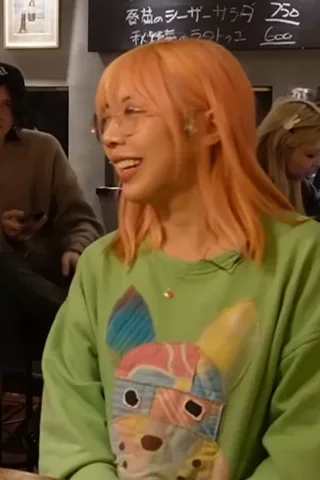
 1
story0:41892
The honest answer is we almost quit
“The honest answer is we almost quit. Two months of no sales, and then one email changed it.”
Why this works A complete story with a clear turn in under a minute.
Studio tour in six steps
Snipio finds clips while you’re away. Nothing renders until you approve it.
Source
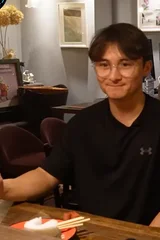 episode-42.mp458:12 · uploading
Settings
Processing
Review
Export
 9:16
 1:1
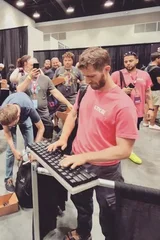 4:5
01 / SOURCE
Upload a file, paste a link or share from Drive.
Instagram, X and Vimeo links don’t work. Upload the file.
02 / SETTINGS
Your template fills in the look. Pick a mode and say what to find.
PLUS Podcast and Webcam projects add a few extra settings. Summarizer asks for a summary length instead of a clip count.
Formats
Caption style
Clip mode
Clips
Language
What should the AI look for?
03 / PROCESSING
Processing keeps going after you close the tab.
If a stage fails, press Retry.
FINDING YOUR NEXT GREAT MOMENT
You can close this tab. Your clips will appear here when ready.
04 / CLIP REVIEW
The best clips are pre-selected. Check each one before you keep it.
1“The honest answer is we almost quit. Two months of no sales, and then one email changed it.”
Why this works A complete story with a clear turn in under a minute.
05 / EDITING
Click a word to jump there. Every cut can be undone.
PLUS Editing is on Plus and uses no extra credits.
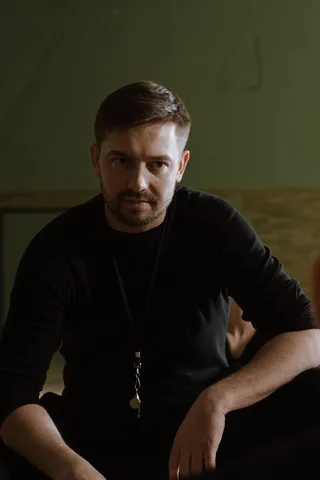 Keep your elbow in.
Okay, keep your elbow in and, um, you know, let your hand follow through.
06 / EXPORT
Each format renders as its own MP4.
The honest answer is…The honest answer is…The honest answer is… The honest answer is…
WHAT THE TOUR COSTS
FREE 60 credits a month. PLUS $15 a month for 600. Compare plans
WORKFLOW QUESTIONS
It depends on the video length. You don’t have to wait on the page.
Yes, once the upload is done.
Drop or trim them, or use Find other moments. It’s free.
MP4, MOV or WebM, or links from YouTube, TikTok, Twitch, Kick, Drive and more. Not Instagram, X or Vimeo.
Your credits set it. 45 minutes needs 45 credits.
Photo-based previews with sample captions, not quotations or real clip outputs. People pictured are not presented as customers or endorsers. Photographs are cropped and resized; each image retains its source license.
YOUR TURN

